
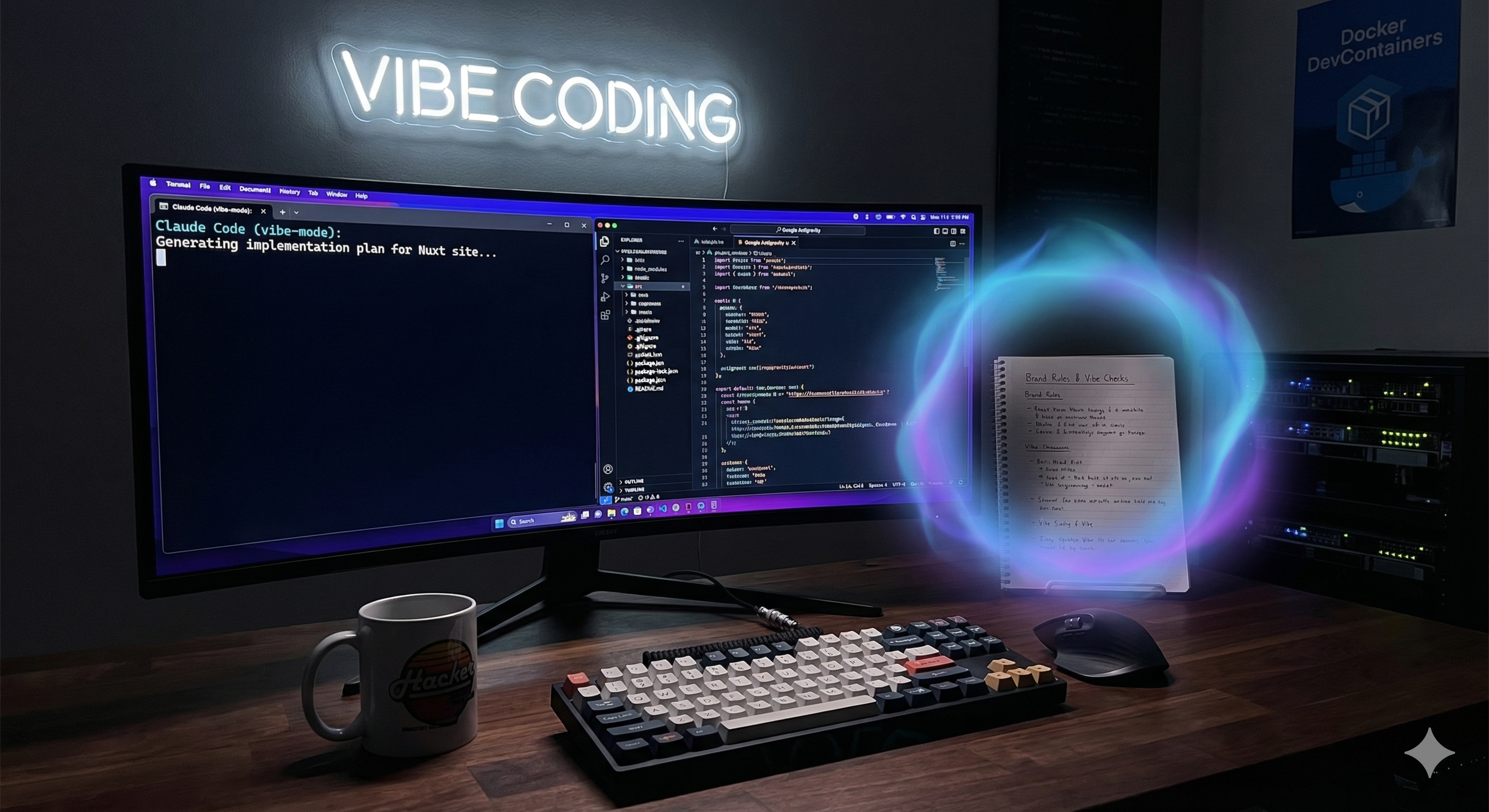
Vibe-coding My Website
I finally stopped procrastinating and built my website, giving agentic AI a go in the process.
 Tom Haskell
I’ll admit it: I’m a bit old-school when it comes to coding. Whilst I’ve dabbled with GitHub Copilot and the Gemini extension for VSCode to speed up the boring bits, I’ve often found their output missed the mark—producing code that made me think, “I see why you did that, but it’s not even slightly what I’m after”. The idea of letting an AI handle the bulk of the work seemed crazy, but with the recent explosion of agentic-AI tools, I figured it was finally time to see if "vibe-coding" is actually the future.
Where to Start?
My first hurdle was simply knowing which tool to use for which task. I ended up using a tag-team approach, starting with the browser version of Gemini for the high-level design, wireframing, and copywriting. It wasn’t perfect by any means, but got me to the point where I figured I was close enough to start building.
So I then switched over to Google’s Antigravity: an agent-centric IDE built on VSCode.
The Sandbox: Devcontainers
For the environment, I stuck to my usual approach of using devcontainers. I like them because they keep my global installs clean and provide a ready-made environment for other devs that join the project. When working with an AI agent it meant I could use the "always run" permission (as opposed to confirming every action) so if the agent goes rogue and tries to delete everything, it’s trapped inside a Docker container.
A couple of things to watch out for though:
- I had to specify a custom Dockerfile rather than a slim pre-built image so that certain tools the agent needs could be installed
- I had to manually map port 3000 to see my Nuxt dev server
The Workflow
Once the brand rules were added, the first task I gave it was to scaffold the project (using Nuxt, Nuxt Content, and TailwindCSS). The agent generated an implementation plan before writing the code, which was comforting. The execution wasn't perfect - it errored a few times and needed some manual intervention - but it mostly worked.
Moving the content and design from Gemini online to Antigravity was not a super smooth process. Asking it to generate a prompt did not provide enough information to build what we had talked about, so I had to do quite a lot of work to re-communicate everything. For example, it would provide lots of detail about what font the headings should be without what the headings should be, or say things like “the methodology panels should have a glow on hover to emphasise they’re important” without mentioning what they are, where they should go, or what content to use.
Pro Tip: The .agent folder
I found that putting the content in a markdown file in the .agent folder was the easiest way, along with any images or styling rules. This allows the agent to pick these up without them being included in the build.
Working with a Junior Developer (AI Edition)
Did you even test this before you sent it to me?!
It’s been a couple of years since I last managed junior developers, and I’d forgotten how remarkably specific you have to be. Juniors often lack that hard-earned intuition—both for visual design and software architecture—that only comes from years of breaking things in production. Working with an AI agent feels exactly like that: you have a collaborator who is technically competent and arguably better than me at the latest syntax, but they have absolutely no "gut feeling".
The experience brought back that classic, exasperated question: “Did you even test this before you sent it to me?!”. AI has that same blind spot. I would ask for a visual change, and the agent would confidently report that it was done, when in reality it was still wrong, or often just differently-wrong.
The workflow quickly devolved into a constant stream of micro-corrections:
- "Add more space here"
- "The sizing of this is inconsistent"
- "That layout looks odd"
Agent Quota Problems
Probably the most frustrating thing was hitting the AI quota. There are several models available in Antigravity: Gemini Fast (which I think is the same as the default in the browser), Gemini Pro, and Claude Code (both Opus and Sonnet).
At the start I hit the quotas almost immediately, so I upgraded from the free tier to the Google AI Pro package. Still, using Claude Sonnet - which is supposed to be the “cheaper” of the two - I could burn through the entire quota in the space of an hour, only to be told I had to wait a week for it to renew! Gemini Pro lasted longer, but it was still a frustrating experience.
There are of course much higher allowances as you go to the AI Ultra package, but it’s a huge jump in price that I’m just not willing to make at the moment.
In the human world, a junior developer's mistakes are a training expense. In the agentic world, every time the AI "misses the mark," it burns through my expensive token quota. I found myself paying for the privilege of fixing the AI's mistakes. Eventually, it was just faster (and cheaper) to grab the keyboard and do it myself, utilizing the AI auto-completions as I went.
The Verdict
Ultimately, the AI acted like a fairly average junior developer. It required precise instructions and didn't always write "idiomatic" code—I often had to remind it to split logic into proper Vue components rather than leaving everything in one file.
However, once prompted, it was able to generate robust plans and execute them quickly. I’ll be honest: I’m not sure the AI (or even I) entirely understood where I was going with the site at first, and if I’d had a better idea of what I wanted it may have done a better job.
If there was a more generous quota limit I may also have gotten further, but in the end I had to do quite a lot of it myself, albeit using a lot of the AI auto-completions as I went. I think that’s still my preferred way to use it. Using the agent just requires too much micro-management for my taste.
Update 12/3/26
I have since discovered (courtesy of The Register) that I chose the exact wrong time to try Antigravity as they just changed their charging model, so I'm not the only one frustrated by hitting the quota or the lack of clarity in how usage is tracked 😞